Get the LightXtreme VPN Client
 30-Day Money-Back Guarantee
Get LightXtreme VPN on Mac
Any Mac with macOS 12 or later is supported.
With 2,000-plus servers in 70+ countries, the service is among the fastest.
Cross borders at will and reach whichever site or service you need.
Unlimited bandwidth at full speed keeps the link smooth.
Your real IP is replaced by a virtual one, so you stay anonymous.
Privacy stays intact thanks to advanced encryption.
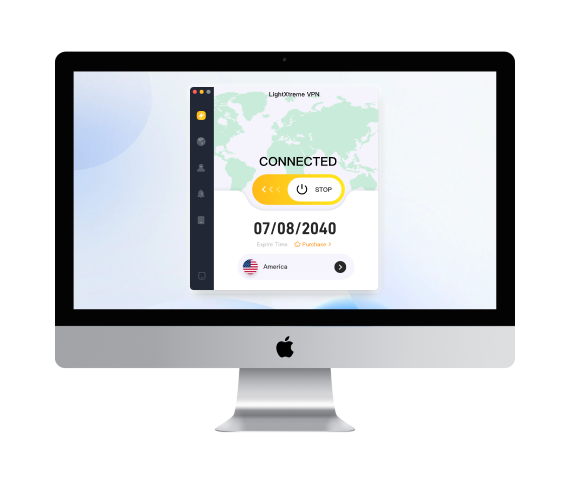


Get LightXtreme VPN on Mac in three steps
Download and add
Click Free Download to fetch and install the client automatically.

Subscribe and sign up
Choose your tier and subscribe; a numeric account is issued for you to protect with a password.
Log in and connect
Open the app, log in, select a server and connect to begin browsing.
macOS user FAQ

Pick LightXtreme VPN, subscribe, download the client from the official site and finish the guided setup.

Traffic is guarded by Shadowsocks, Vless and WireGuard with AES-256-GCM encryption.
When macOS warns about an unidentified developer, open Apple > System Settings > Privacy & Security and approve it.
Get LightXtreme VPN on iPhone
iOS 15 and above are the supported versions.
It runs on iPhones and iPads alike.
2,000-plus servers sit across 70-plus countries.
Cross geo limits and reach content from anywhere.
Quick, stable and encrypted links come with unlimited bandwidth.
Your address is masked and traffic is encrypted for privacy and safety.
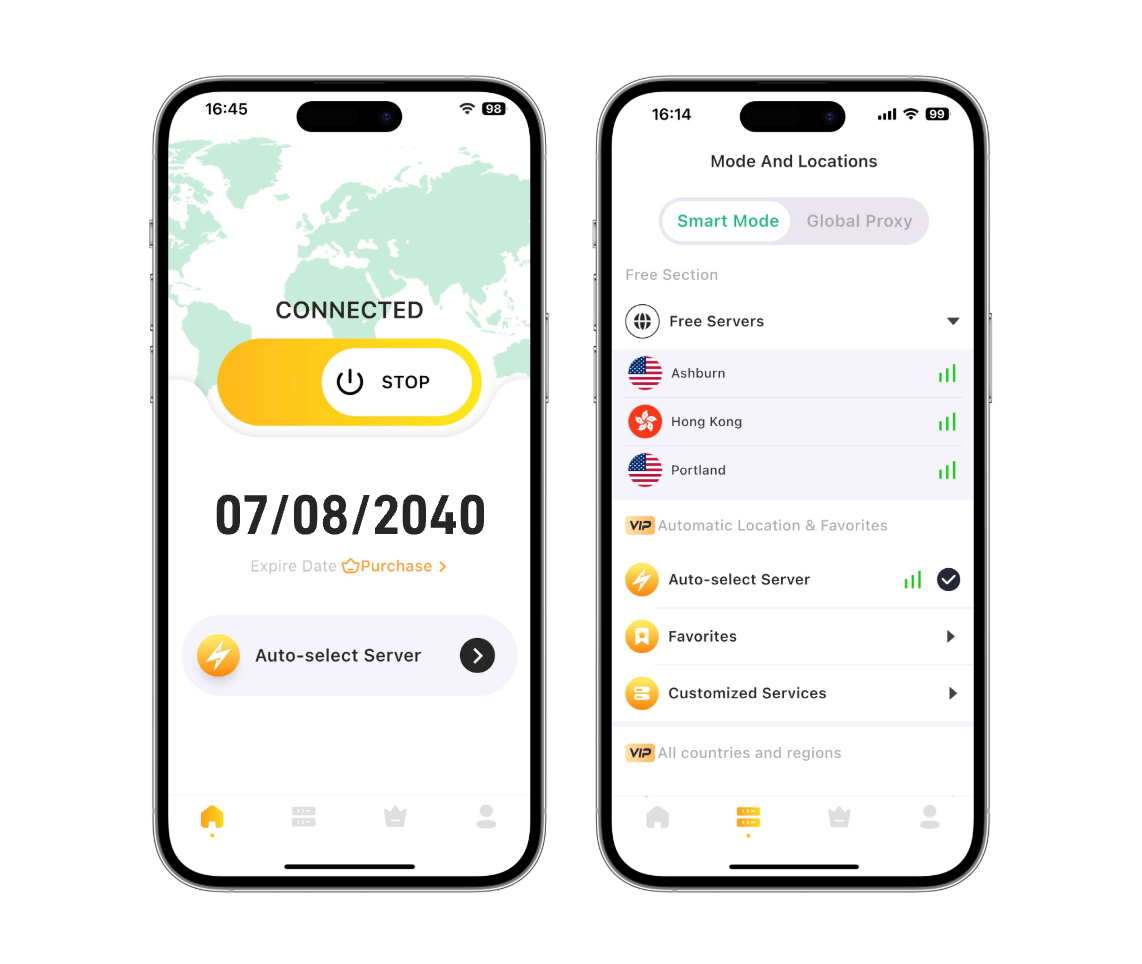
Get LightXtreme VPN on iPhone in three steps
Download and add
Tap Free Download, or search the App Store for LightXtreme VPN and install it on your iPhone or iPad.
Subscribe and sign up
You get a free trial account on install, and can subscribe later.
Log in and connect
Open the app, log in, press Start to connect, or select a different server.
iOS user FAQ
Sometimes regional limits mean the app does not show up in the App Store.
By masking your address and encrypting data, a VPN protects your privacy.
Start with a free trial, then subscribe to unlock every server and uncapped bandwidth.
Get LightXtreme VPN on PC
Windows 10 and 11 are the supported versions.
2,000+ servers are spread across more than 70 countries.
Geo limits no longer block you from global content.
Fast, dependable links come with unlimited bandwidth.
Platforms such as YouTube, TikTok, Instagram and Netflix open normally.
A hidden address and encrypted data protect your privacy.
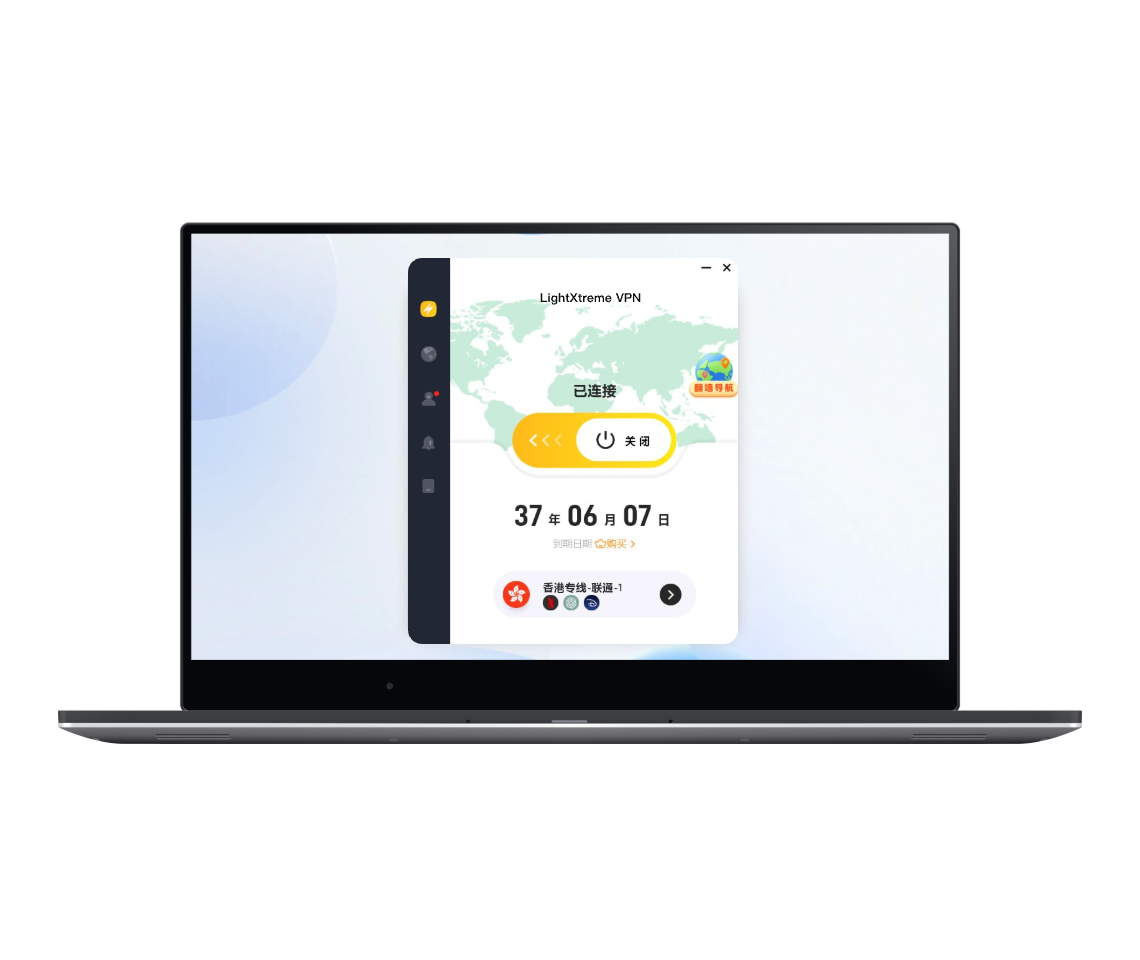
Get LightXtreme VPN on PC in three steps
Download and add
Click Free Download and install the client on your PC.
Subscribe and sign up
Choose a subscription, receive a numeric account and configure the password.
Log in and connect
Open the app, log in, select a node and connect to start browsing.
Windows user FAQ
Go to the LightXtreme VPN website, click Free Download and the client downloads.
Check that the connection is quick and reliable first.
Double-check your account and password, and verify the plan has not expired.
Yes, a single account supports 3 concurrent devices.
Get LightXtreme VPN on Android
You need Android 5.0 or newer to install it.
2,000-plus servers across the globe come with unlimited bandwidth.
Regional barriers are gone, leaving every site and platform open.
Each link is quick, reliable and shielded.
Your data, privacy and security sit behind heavy encryption.
Your IP is masked and anonymity follows.
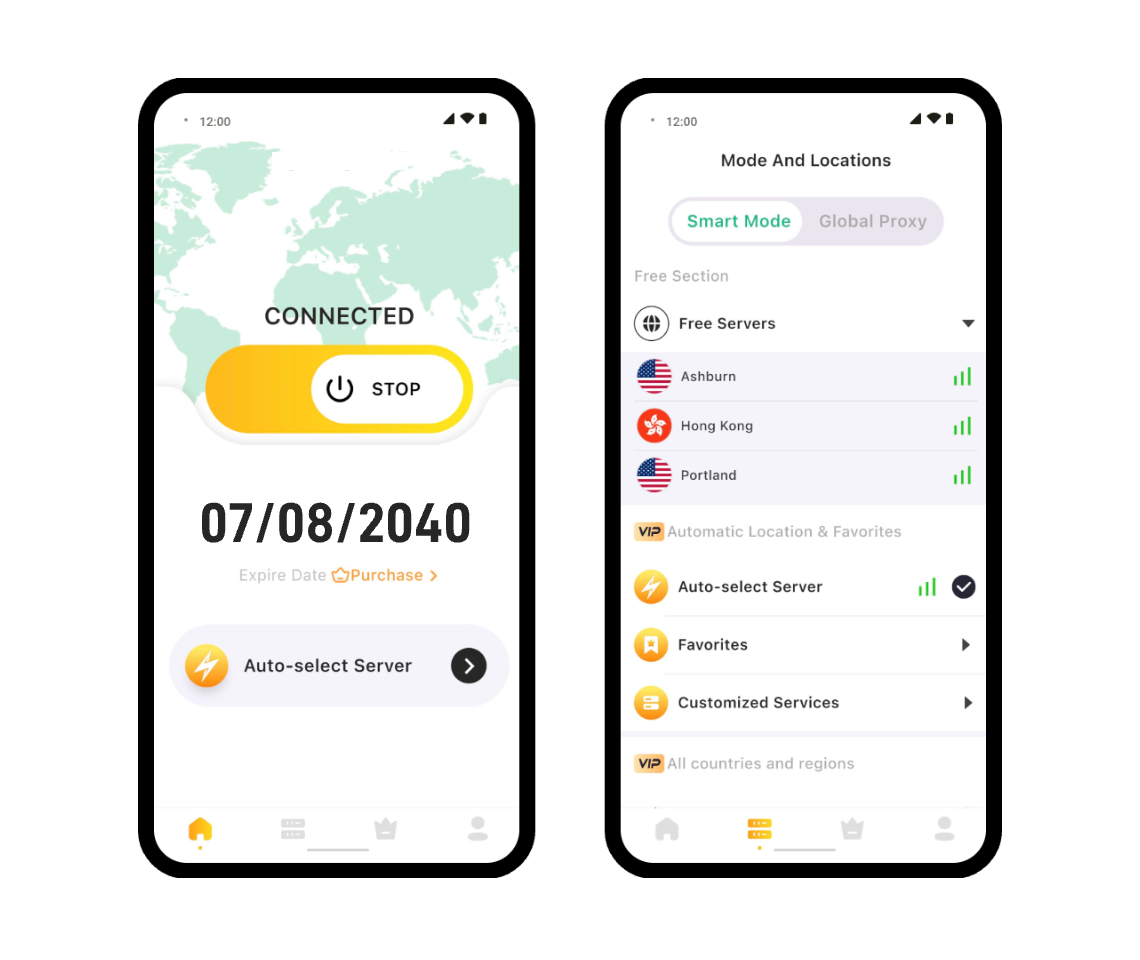
Get LightXtreme VPN on Android in three steps
Download and add
Use Free Download and install the app on Android.
Subscribe and sign up
Installing the app grants a trial account; a subscription can come next.
Log in and connect
Open the app, sign in and tap the server you prefer.
Android user FAQ
Use a trusted service such as LightXtreme VPN, get the app from Google Play and open it.
The app is not free outright, though installation provides a trial account.
Launch the app and tap Stop to disconnect.
Try another node, verify the network, upgrade the client and reconnect.
Get LightXtreme VPN on Apple TV
You need tvOS 17 or later to run it.
Nearly 2,000 servers sit across 70-plus countries.
Watch films and series on Netflix, Hulu, Disney+ and other platforms.
Once regions are bypassed, global video is available.
A single tap brings a quick, stable, unlimited connection.
Your data, privacy and security are guarded by AES-256-GCM.
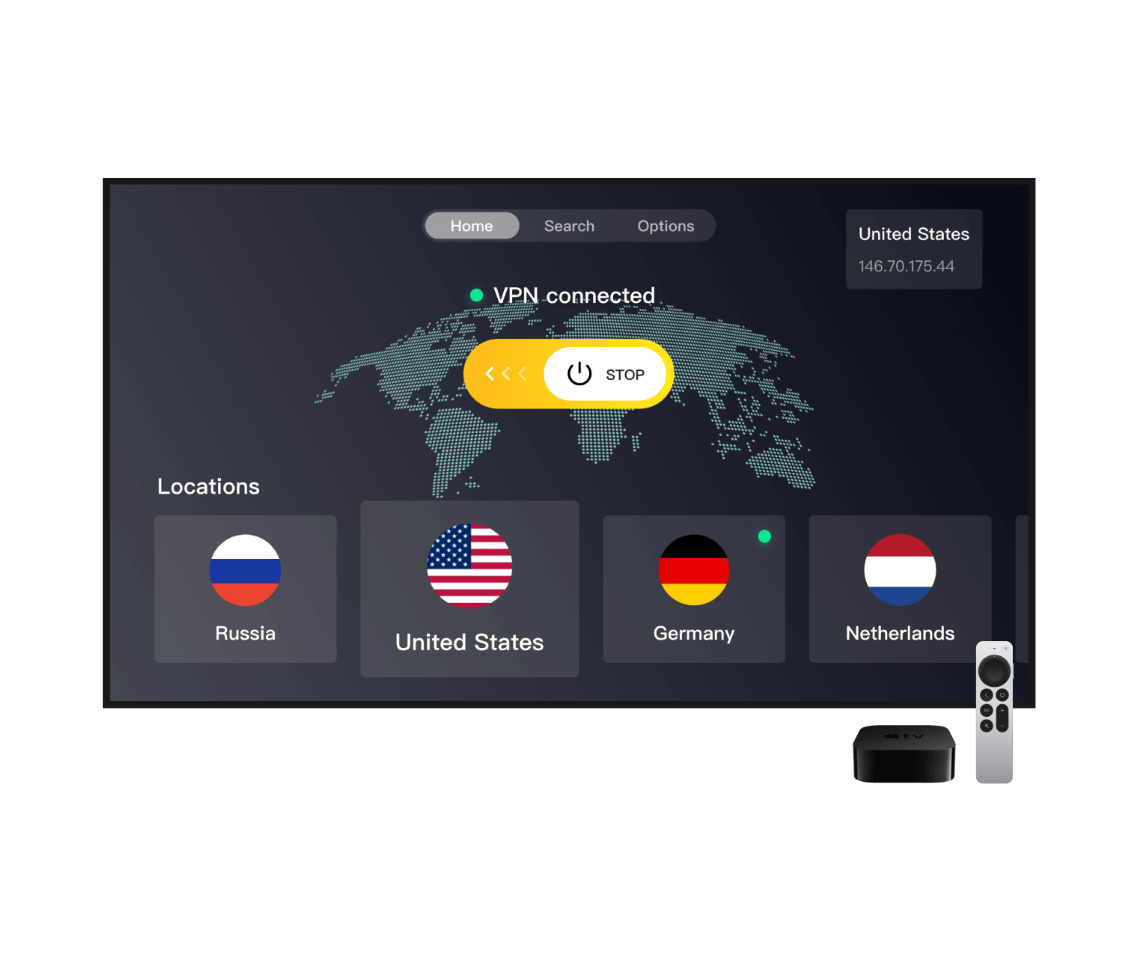
Get LightXtreme VPN on Apple TV in three steps
Download and add
On Apple TV, open the App Store, find the app and download it.
Subscribe and sign up
Subscribe to a tier, get the random account and log in with the details.
Log in and connect
Pick the location and node, connect, then enjoy your movies and series.
Apple TV user FAQ
Find LightXtreme VPN in Apple TV's App Store and download it.
Sign in with the account name and password, or scan the QR code shown by the LightXtreme VPN app.
On tvOS 17 and above, Apple TV installs the native VPN app directly.
Get LightXtreme VPN on Android TV
You need Android 5.0 or above.
Watch films and series on Netflix, Hulu, Disney+ and more.
Programming from 70-plus countries can be reached.
2,000-plus servers around the world with no limits, quick and steady.
Your data and privacy sit behind strong encryption.
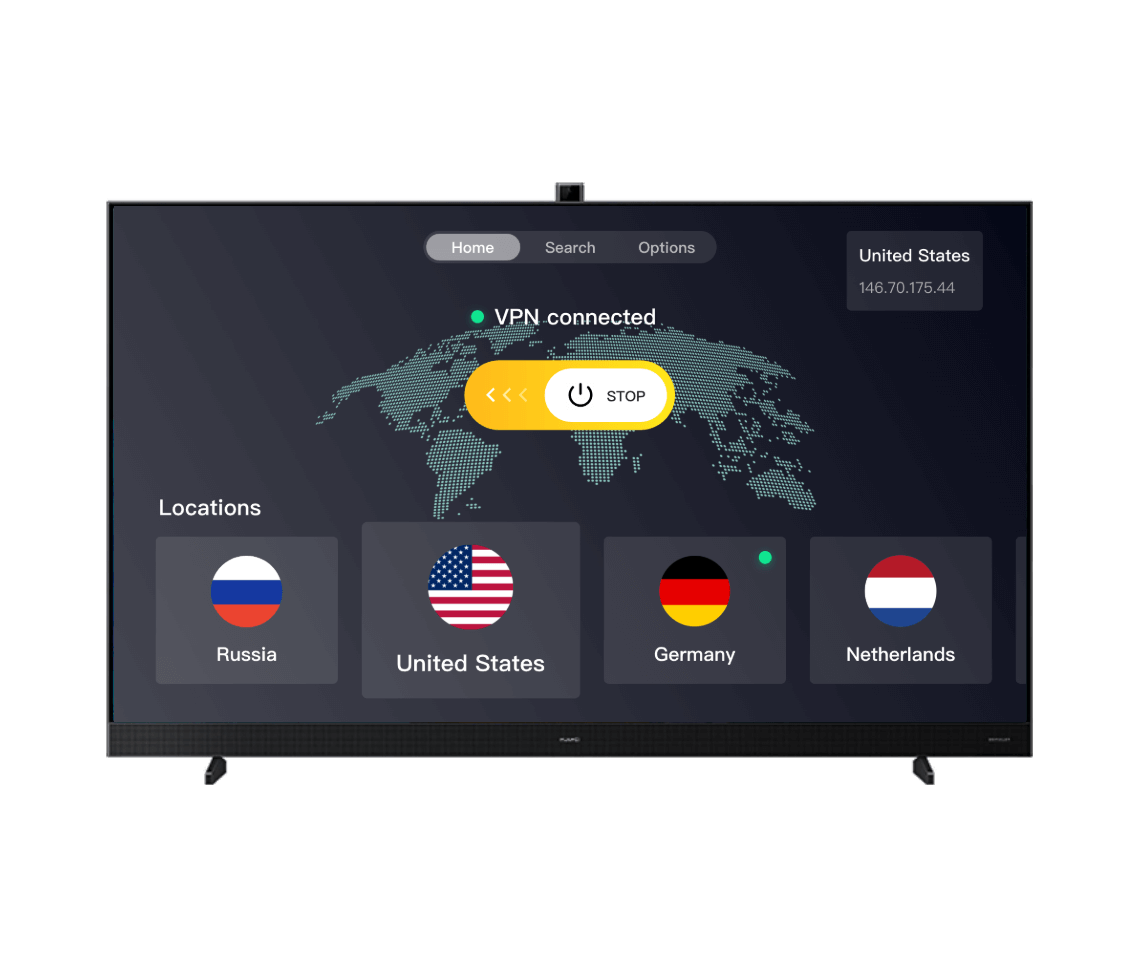
Get LightXtreme VPN on Android in three steps TV
Download and add
On Android TV, open Google Play, find the app and download it.
Subscribe and sign up
Choose and pay for a tier, then use the issued account to log in.
Log in and connect
Pick the location and node, connect, then enjoy content on TV.
Android TV user FAQ
Search the app in Google Play on Android TV, or use the APK.
Android TV support is quick, safe and stable, alongside Apple TV, Windows and other clients.
Sign in with the account name and password, or scan the QR code shown by the LightXtreme VPN app.
Sure, several VPN services have Android TV apps in Google Play.
Reputable services run high-speed servers tuned for streaming, with little slowdown.
Get LightXtreme VPN on Linux
Debian Linux 11 and Ubuntu 20.04 LTS upward work on AMD64 and ARM64.
2,000-plus servers sit in more than 70 countries.
Area limits fall away, opening content worldwide.
Fast, reliable links with unlimited bandwidth.
Sites like YouTube, TikTok, Instagram and Netflix can all be opened.
Your address is masked and data encrypted, so privacy holds.
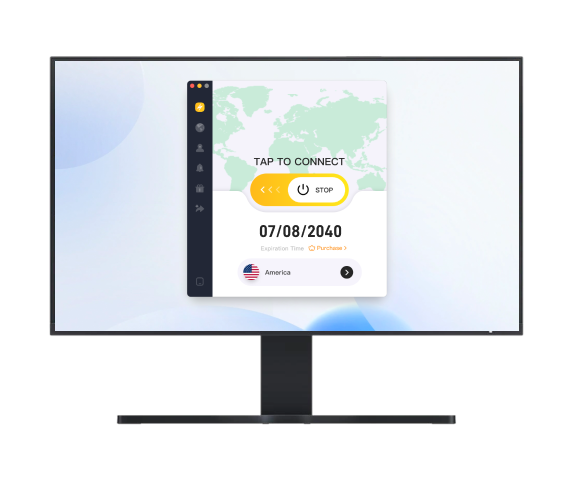
Get LightXtreme VPN on Linux in three steps
Download and add
Click Free Download to fetch and install the Linux client.
Subscribe and sign up
Pick a tier and register the numeric account.
Log in and connect
Open the app, log in, press Start or switch via Mode to another node.
Linux user FAQ
Unlike command-line Linux VPNs, this client handles install, login and connection in a visual interface.
Linux has plenty of VPN options, with LightXtreme VPN standing out for usability.
Install LightXtreme VPN for Chrome
Rapid, secure and ad-free web use.
Easy setup, ready to use immediately.
Your privacy and data sit behind advanced encryption.
2,000-plus servers bypass geo blocks and unlock all platforms.
A stable connection makes browsing feel smooth.
Your IP is hidden and both privacy and network security are guarded.
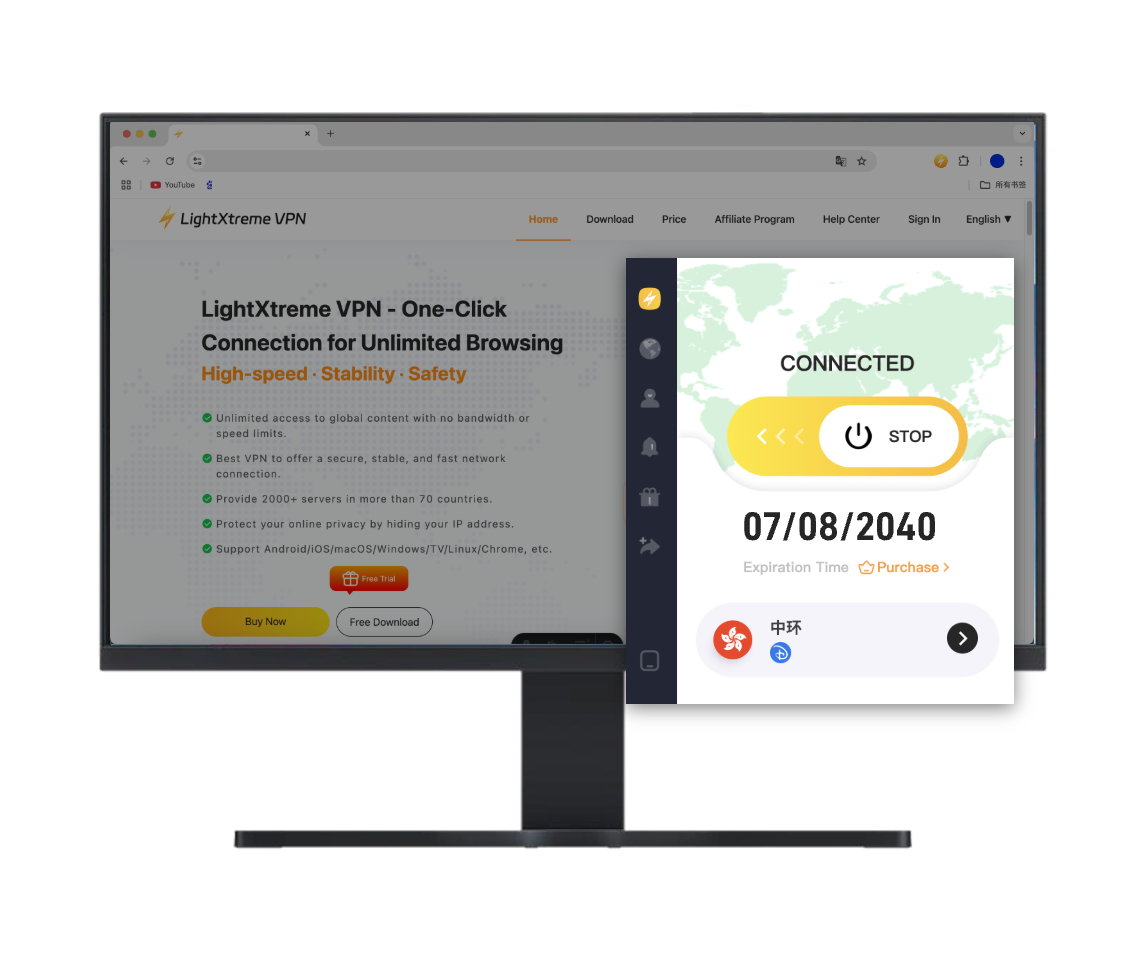
Get LightXtreme VPN on Chrome in three steps
Get the Chrome add-on
Click Free Download, or find LightXtreme VPN in the Chrome Web Store.
Subscribe and sign up
Register an account and select a suitable plan.
Log in and connect
Launch the extension, log in, select country and server, then connect.
Chrome user FAQ
You need Chrome 124 or above for the add-on.
Install LightXtreme VPN for Edge
On Edge, web use is quick, safe and without ads.
2,000-plus servers worldwide unlock any site you choose.
Rotating IPs preserves anonymity and shields online activity.
Your data sits behind advanced encryption protocols.
Simple setup and immediate availability.
High-speed stable links give the best web experience.
Get LightXtreme VPN on Edge in three steps
Get the Edge add-on
Press Free Download, then approve the installation.
Subscribe and sign up
Register an account, then pick a plan for your usage.
Log in and connect
Launch the extension, log in, pick a node and connect.
Edge user FAQ
You need Edge 124 or later for the extension.
Install LightXtreme VPN for Firefox
On Firefox, web use is quick, secure and without ads.
Easy setup with immediate use.
2,000-plus global servers put all platforms within reach.
Your IP is masked, so you stay anonymous and browsing stays private.
Your privacy is strongly protected by advanced encryption.
Fast, consistent connections make browsing excellent.
Get LightXtreme VPN on Firefox in three steps
Get the Firefox add-on
Find LightXtreme VPN in the add-on store and click Add, or use Free Download.
Subscribe and sign up
Register an account, then pick the plan suited to you.
Log in and connect
Launch the extension, log in, select country and server, then connect.
Firefox user FAQ
You need Firefox 126 or later for the extension.